


正在瀏覽這個版面的使用者: Google [Bot], joe 和 60 位訪客
 發表人 Raymond Wan 發表於 2009-03-25, 20:28
Romrom-100Fun 寫:固體蛇 寫:cocacola99 寫: i think the technology in such kind of players are still evolving, will wait longer
我都開始對呢o的media player有興趣, PS3 + tversity對不同format o既video file compatability上有好多問題, 運行上bugs都多; htpc 雖然夠曬flexible但係parameter太多對我呢o的非電腦高手好難setup; media player係一個幾好o既出路, 但係現階段product已經好多但係穩定性同video format兼容度都仲有好多疑問
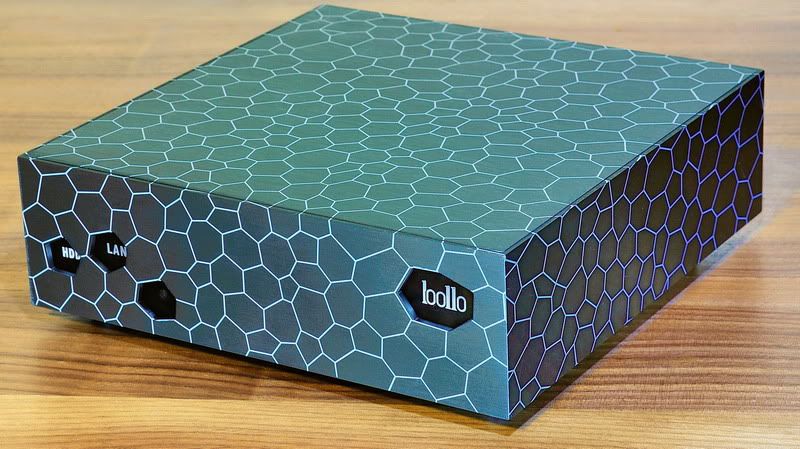
不過呢部唔講外觀喜好, 廠商肯用到4mm鋁板o甘重料係幾好o既
呢部系我试过唯一一部D声系OK 的机台!
比起我将近10K 的 HTPC 基本上系全胜!
而且制作用料一流!
大家有空下我个试用报告!
http://www.mysilu.com/thread-357601-1-1.html





發表人 Terence 發表於 2009-03-25, 23:54


 各牌子都是廠家買底板回來自己設計外盒同包裝, 再修改軟件成有自己 logo. 有錯唔好打呀






發表人 606610 發表於 2009-03-26, 00:35
Terence 寫:
NMT 公版.... 同 k100, popcorn hour, ioBox media box等 有物唔同
請問可否無間播放 ts / mts files呢
傳聞:
* DDR-1 DRAM support:64-bit 256MB 內置 ram 太少 同 NMT 軟件限制.... 可能永遠無法直播 blu-ruy disc / blu-ray iso.
> rmb 2k... 有点貴喎..... 其他賣 rmb 1280
 )
)

發表人 Romrom-100Fun 發表於 2009-03-26, 01:17
606610 寫:Terence 寫:
NMT 公版.... 同 k100, popcorn hour, ioBox media box等 有物唔同
請問可否無間播放 ts / mts files呢
傳聞:
* DDR-1 DRAM support:64-bit 256MB 內置 ram 太少 同 NMT 軟件限制.... 可能永遠無法直播 blu-ruy disc / blu-ray iso.
> rmb 2k... 有点貴喎..... 其他賣 rmb 1280
Agree with Terence
其實大家都係用Syabas公版NMT Firmware, 只係個殼唔同, 功能大致上99%相同 (分別在於background UI個logo
呢類公版NMT已經打緊減價戰, 最平好似RMB 990



發表人 ac388 發表於 2009-03-26, 06:33

發表人 Raymond Wan 發表於 2009-03-26, 09:07
606610 寫:Terence 寫:
NMT 公版.... 同 k100, popcorn hour, ioBox media box等 有物唔同
請問可否無間播放 ts / mts files呢
傳聞:
* DDR-1 DRAM support:64-bit 256MB 內置 ram 太少 同 NMT 軟件限制.... 可能永遠無法直播 blu-ruy disc / blu-ray iso.
> rmb 2k... 有点貴喎..... 其他賣 rmb 1280
Agree with Terence
其實大家都係用Syabas公版NMT Firmware, 只係個殼唔同, 功能大致上99%相同 (分別在於background UI個logo
呢類公版NMT已經打緊減價戰, 最平好似RMB 990
發表人 Raymond Wan 發表於 2009-03-26, 09:20
ac388 寫: It does not make any sense that you have to turn the unit upside down everytime you change the HDD, especially when the piece is inside a cabinet with some many cables connected to it.

發表人 cocacola99 發表於 2009-03-26, 09:26
Raymond Wan 寫:ac388 寫: It does not make any sense that you have to turn the unit upside down everytime you change the HDD, especially when the piece is inside a cabinet with some many cables connected to it.
For normal users, we are not trying to replace the HDD inside the Media Player frequently.
What I do:
(1) Install the HDD with most of the video files that will regular or frequently played. I get a 1T HDD installed with my favorite files.
(2) Use the external USB / eSATA HDD Box and link with the Media Player. I use Stardom Hot Plug for swapping and changing required HDD.
(3) Use the LAN to play files over your Local Network.
The most important thing I will look for is whether the ventilation and noise of the Media Player is good enough so that there is no problem with the installed HDD within the Media Player.
If you only use the HDD inside the Media Player and need frequent change, you should look for those Media Player with this easy removal and install mechanism. All the socket or connection options at the back are useless to you then.
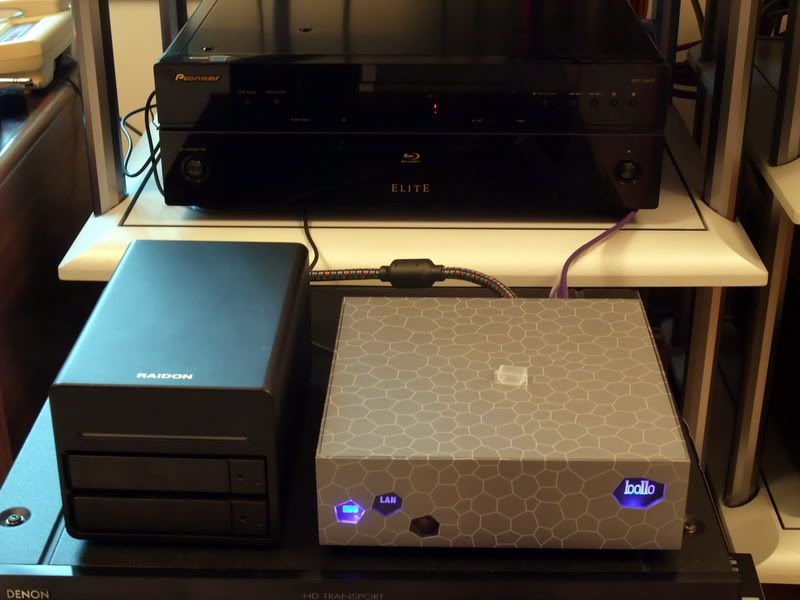
Even you need to change the HDD, this Bollo NMP-SE is simple. No need to remove cables to connect the HDD as there is a built-in eSATA & Power within the base.

發表人 Raymond Wan 發表於 2009-03-26, 09:30
cocacola99 寫:Raymond Wan 寫:ac388 寫: It does not make any sense that you have to turn the unit upside down everytime you change the HDD, especially when the piece is inside a cabinet with some many cables connected to it.
For normal users, we are not trying to replace the HDD inside the Media Player frequently.
What I do:
(1) Install the HDD with most of the video files that will regular or frequently played. I get a 1T HDD installed with my favorite files.
(2) Use the external USB / eSATA HDD Box and link with the Media Player. I use Stardom Hot Plug for swapping and changing required HDD.
(3) Use the LAN to play files over your Local Network.
The most important thing I will look for is whether the ventilation and noise of the Media Player is good enough so that there is no problem with the installed HDD within the Media Player.
If you only use the HDD inside the Media Player and need frequent change, you should look for those Media Player with this easy removal and install mechanism. All the socket or connection options at the back are useless to you then.
Even you need to change the HDD, this Bollo NMP-SE is simple. No need to remove cables to connect the HDD as there is a built-in eSATA & Power within the base.
i am really interested to see the results of this machine in the following areas:
1) video quality over htpc ati 4xxx
2) sound quality over htpc onkyo soundcard
3) smoothiness of playing of files through LAN
4) noise and heat level
actually i don't need the machine to have any storage area. i use a nas and i have been storing everything there. that's why (3) in the above is very important for me.
raymond hing, u plan to replace ur htpc with this machine?
發表人 cocacola99 發表於 2009-03-26, 09:31
Raymond Wan 寫:cocacola99 寫:Raymond Wan 寫:ac388 寫: It does not make any sense that you have to turn the unit upside down everytime you change the HDD, especially when the piece is inside a cabinet with some many cables connected to it.
For normal users, we are not trying to replace the HDD inside the Media Player frequently.
What I do:
(1) Install the HDD with most of the video files that will regular or frequently played. I get a 1T HDD installed with my favorite files.
(2) Use the external USB / eSATA HDD Box and link with the Media Player. I use Stardom Hot Plug for swapping and changing required HDD.
(3) Use the LAN to play files over your Local Network.
The most important thing I will look for is whether the ventilation and noise of the Media Player is good enough so that there is no problem with the installed HDD within the Media Player.
If you only use the HDD inside the Media Player and need frequent change, you should look for those Media Player with this easy removal and install mechanism. All the socket or connection options at the back are useless to you then.
Even you need to change the HDD, this Bollo NMP-SE is simple. No need to remove cables to connect the HDD as there is a built-in eSATA & Power within the base.
i am really interested to see the results of this machine in the following areas:
1) video quality over htpc ati 4xxx
2) sound quality over htpc onkyo soundcard
3) smoothiness of playing of files through LAN
4) noise and heat level
actually i don't need the machine to have any storage area. i use a nas and i have been storing everything there. that's why (3) in the above is very important for me.
raymond hing, u plan to replace ur htpc with this machine?
I will use both Network Media Player and HTPC whenever suits me best.
Network Media Player is simple while HTPC is powerful.

發表人 Raymond Wan 發表於 2009-03-26, 09:39
cocacola99 寫:Raymond Wan 寫:cocacola99 寫:Raymond Wan 寫:ac388 寫: It does not make any sense that you have to turn the unit upside down everytime you change the HDD, especially when the piece is inside a cabinet with some many cables connected to it.
For normal users, we are not trying to replace the HDD inside the Media Player frequently.
What I do:
(1) Install the HDD with most of the video files that will regular or frequently played. I get a 1T HDD installed with my favorite files.
(2) Use the external USB / eSATA HDD Box and link with the Media Player. I use Stardom Hot Plug for swapping and changing required HDD.
(3) Use the LAN to play files over your Local Network.
The most important thing I will look for is whether the ventilation and noise of the Media Player is good enough so that there is no problem with the installed HDD within the Media Player.
If you only use the HDD inside the Media Player and need frequent change, you should look for those Media Player with this easy removal and install mechanism. All the socket or connection options at the back are useless to you then.
Even you need to change the HDD, this Bollo NMP-SE is simple. No need to remove cables to connect the HDD as there is a built-in eSATA & Power within the base.
i am really interested to see the results of this machine in the following areas:
1) video quality over htpc ati 4xxx
2) sound quality over htpc onkyo soundcard
3) smoothiness of playing of files through LAN
4) noise and heat level
actually i don't need the machine to have any storage area. i use a nas and i have been storing everything there. that's why (3) in the above is very important for me.
raymond hing, u plan to replace ur htpc with this machine?
I will use both Network Media Player and HTPC whenever suits me best.
Network Media Player is simple while HTPC is powerful.
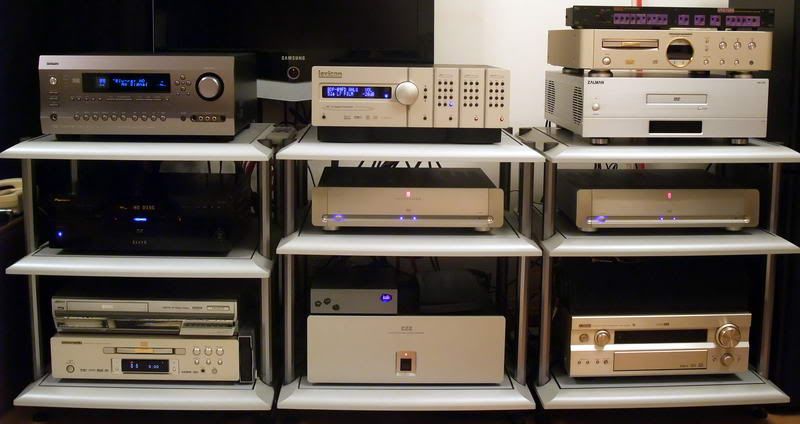
pls let us know ur testing results. it appears that u are running out of space in ur av rack

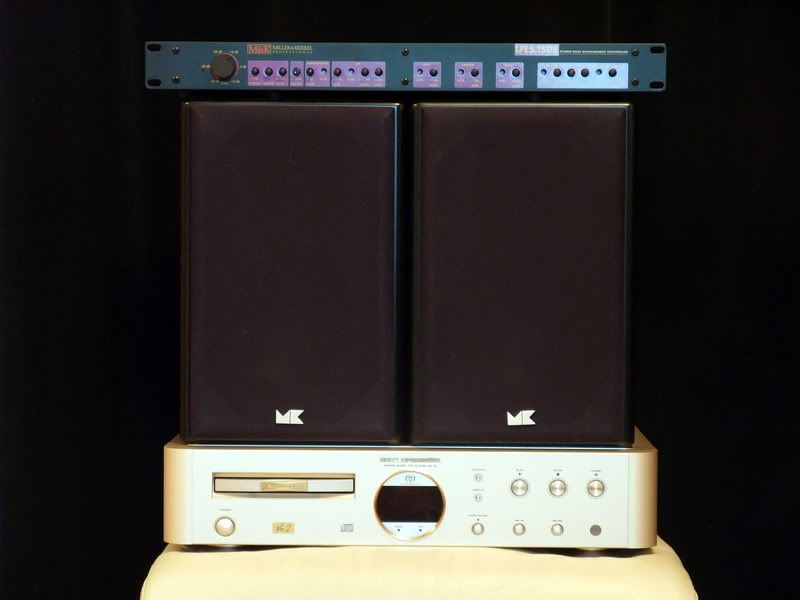
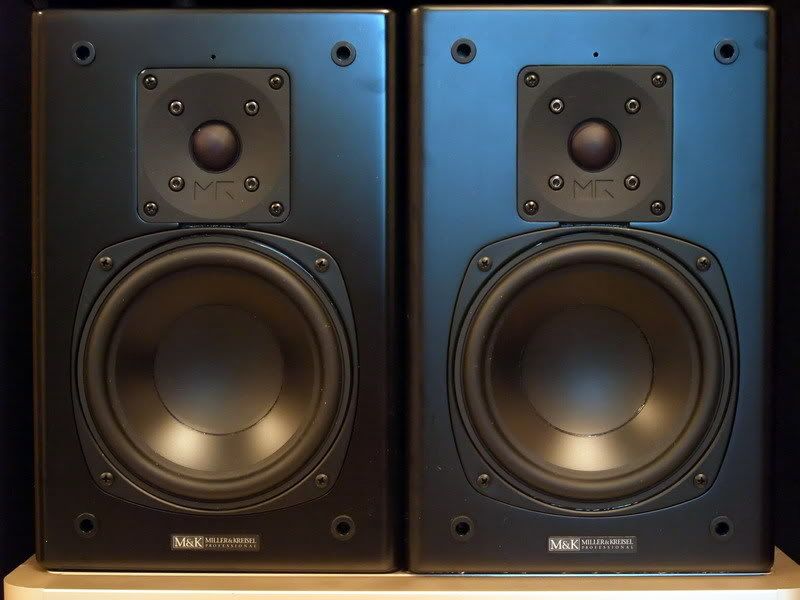

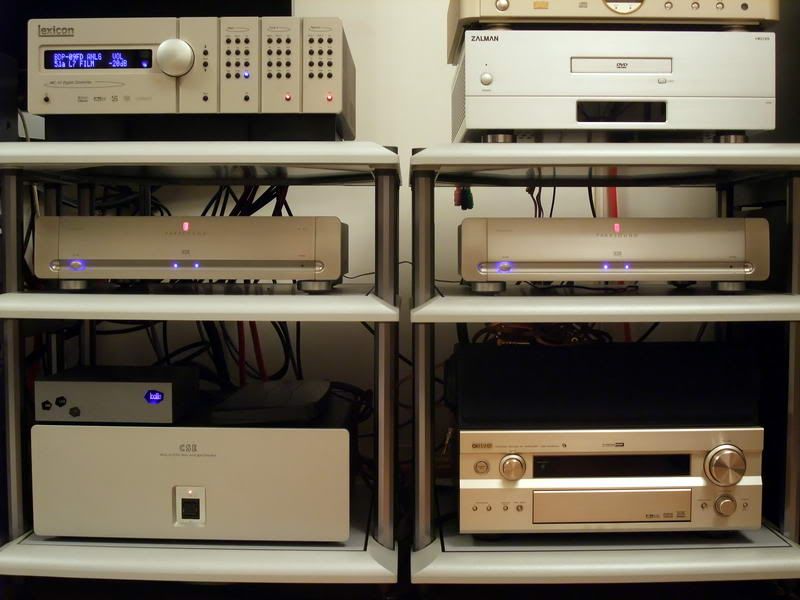
發表人 billyla 發表於 2009-03-26, 14:02
chhanthony 寫:...... 價錢嘅考慮因素都幾大, 而呢部機都係偏貴, 如果連tuner版本唔低過HK$2500, 好似無乜競爭力同HiMedia比

發表人 Terence 發表於 2009-03-26, 15:07
Romrom-100Fun 寫:606610 寫:Terence 寫:
NMT 公版.... 同 k100, popcorn hour, ioBox media box等 有物唔同
請問可否無間播放 ts / mts files呢
傳聞:
* DDR-1 DRAM support:64-bit 256MB 內置 ram 太少 同 NMT 軟件限制.... 可能永遠無法直播 blu-ruy disc / blu-ray iso.
> rmb 2k... 有点貴喎..... 其他賣 rmb 1280
Agree with Terence
其實大家都係用Syabas公版NMT Firmware, 只係個殼唔同, 功能大致上99%相同 (分別在於background UI個logo
呢類公版NMT已經打緊減價戰, 最平好似RMB 990
系呀我都见过有D垃圾SELL RMB900 用PCM解码 当系DTSMA黎HEART人!
唔知道你讲果D呢? 我手上就有部比D奸商HEART左啦!
如果你正比界面。。。米好似食饭静看不吃比较咁就知道系物味道咁西利咯!???
我們科學 d , 請你拍下主板相, 我地同其他機主板比較 :share:
老实讲,我都BUY过好多部, 发觉D声完全都系“垃圾”级数
請分享經驗.... 那些是“垃圾”级数呢?!?!
粗粗地玩下 多媒体就话BUY 部 CHEAP CHEAP地好。。。
如果要有返咁上下声,我发觉就只有呢部啦!
仲有R。。。到底有冇其他公版带有ESATA接口呢???
你好肯定是"真正" Esata.... 大陸嘢好多時係 sata -> esata cable整喎?!?!
呢部用ESATA接口播40M/s以上D片唔会戳下戳下架啵。。。
你试下搵D 所谓公板机播下就知道分别架啦!
usb 外接硬碟從末碰過 "戳下戳下" 問題!!!
再唔系去国内各大网站SEARCH下R???
果D公板机成日都比人拆开黎投诉架!
同意.... 天下烏鴉一樣黑
發表人 Romrom-100Fun 發表於 2009-03-26, 16:56
吓。。。


